
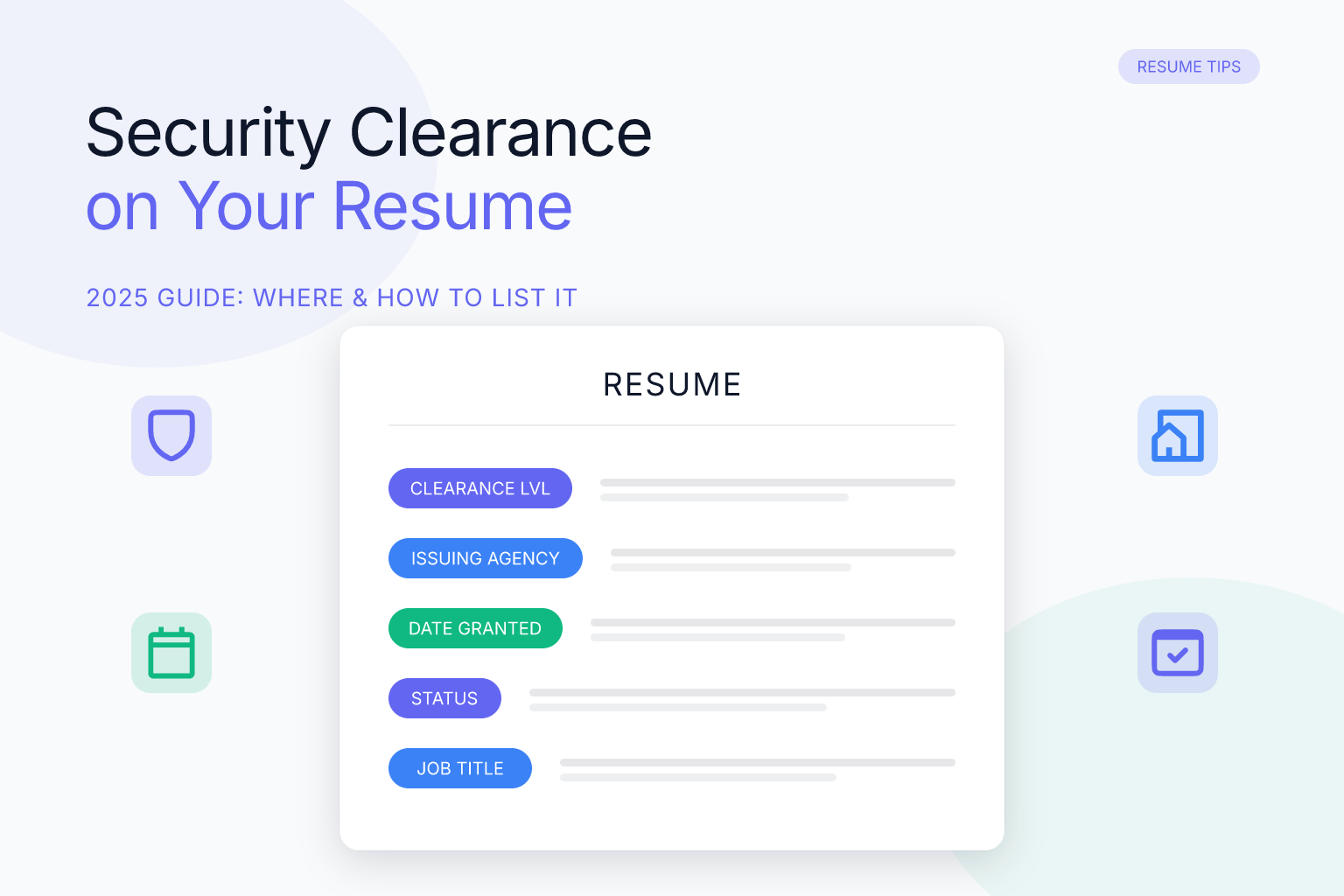
How to Include Security Clearance on Resume: 2025 Guide
If you hold a security clearance, you already know it’s one of the most valuable assets you can bring to a government, defense, or federal contracting role. But simply having a clearance isn’t enough — you need to present it on your resume in a way that recruiters and applicant tracking systems (ATS) can instantly recognize. A clearance listed incorrectly, buried at the bottom of the page, or missing key details can cost you an interview even when you’re perfectly qualified.
This guide walks you through exactly how to include security clearance on your resume, where to place it, what to write, and how to avoid the mistakes that get applications rejected. Whether you hold a Top Secret, Secret, or DOE “Q” clearance, you’ll find clear examples and actionable steps to make your clearance work for you.
Key Takeaways
- Always include your security clearance on your resume if you hold one — it’s a major competitive advantage for cleared roles and often a hard requirement.
- Place your clearance in a dedicated “Security Clearance” section near the top of your resume, right after your contact information and professional summary.
- List the clearance level (e.g., Top Secret, Secret), issuing agency, status (Active/Inactive), and investigation date if relevant — using the exact terminology from your clearance documentation.
- Never include classified project names, adjudication dates, or any sensitive compartmented information — protect your clearance and national security.
- Use a clean, single-column resume format and standard keywords so ATS software can parse your clearance correctly.
| What to Do | Why It Matters | Time |
|---|---|---|
| Add a “Security Clearance” section near the top | Recruiters scan for clearance immediately; placing it prominently ensures they see it | 2 minutes |
| Use standard clearance terminology (e.g., “Top Secret / SCI”) | ATS systems and recruiters search for exact keywords | 1 minute |
| Include status and investigation date (if active) | Shows your clearance is current and reduces verification time | 1 minute |
| Avoid listing classified project names or details | Protects national security and your own eligibility | Ongoing |
| Tailor clearance details to the job description | Demonstrates you meet the specific clearance requirement | 5 minutes |
Why You Should Always Include Security Clearance on Your Resume
A security clearance is not just another credential — it’s a government-issued determination that you are trustworthy enough to access classified information. For employers in defense, intelligence, aerospace, and federal IT, a clearance can be worth tens of thousands of dollars in saved time and training costs. When you include it on your resume, you immediately signal that you can hit the ground running on day one.
Many cleared roles list a specific clearance level as a minimum qualification. If your resume doesn’t mention it, a recruiter may assume you don’t have one and move on — even if you do. In fact, most recruiters who hire for cleared positions scan the top third of a resume for the clearance level within seconds. If they don’t see it, your application often gets discarded.
Even when a job doesn’t explicitly require a clearance, listing one can still work in your favor. It demonstrates a background of responsibility, reliability, and a clean personal record. However, you should only list a clearance you actually hold. Misrepresenting your clearance status is illegal and can permanently bar you from future eligibility.
If you’re building your resume from scratch, a free resume builder can help you structure your document so the clearance section stands out without overwhelming the rest of your experience.
Where to Place Security Clearance on Your Resume
The placement of your security clearance can be just as important as the content. Recruiters and hiring managers expect to find it quickly, so the top half of the first page is the only place that makes sense.
Best location: Create a dedicated “Security Clearance” section immediately after your contact information and professional summary. This puts it above your work experience and education, where it’s impossible to miss. For example:
JOHN DOE
[Contact Info]

PROFESSIONAL SUMMARY
...

SECURITY CLEARANCE
Top Secret / SCI (Active) – Department of Defense, 2024
If your resume uses a “Key Qualifications” or “Highlights” section at the top, you can include the clearance there as a bullet point. However, a standalone section is clearer and easier for ATS to parse. For federal resumes that follow the USAJOBS builder format, you may need to enter clearance information in a designated field — but even then, repeating it in the body of your resume is a smart redundancy.
Avoid burying your clearance inside a job description bullet or at the very end of the document. If a recruiter has to hunt for it, you’ve already lost their attention. For more on structuring a resume that guides the reader’s eye, see our complete guide on how to write a resume.
How to Format Security Clearance on Your Resume (with Examples)
Formatting your clearance correctly ensures both human readers and ATS software interpret it without confusion. Follow these guidelines:
- Use a clear section heading: “Security Clearance” or “Clearance”
- List the clearance level first, followed by any caveats (SCI, SAP, Polygraph)
- Add the status in parentheses: (Active) or (Inactive)
- Include the issuing agency and the year of your most recent investigation
- If you hold multiple clearances, list each on its own line
Here are examples for the most common clearance types:
Top Secret with SCI access:
SECURITY CLEARANCE
Top Secret / SCI (Active) – Department of Defense, 2024
CI Polygraph
Secret clearance:
SECURITY CLEARANCE
Secret (Active) – Department of State, 2023
DOE “Q” clearance:
SECURITY CLEARANCE
Q Clearance (Active) – Department of Energy, 2022
Inactive clearance:
SECURITY CLEARANCE
Top Secret (Inactive) – Department of Homeland Security, 2021
Eligible for reinstatement
If you’re using ResumeMate’s AI resume builder, you can add a custom section labeled “Security Clearance” and format it as a simple list. The builder exports a clean, ATS-safe PDF that preserves your formatting.
What Details to Include (and What to Leave Out)
Knowing what to include is straightforward; knowing what to omit is critical for security and compliance.
Always include:
- Clearance level (Top Secret, Secret, Confidential, L, Q)
- Any access caveats (SCI, SAP, NATO, COSMIC)
- Status: Active, Inactive, or Current (use the term on your documentation)
- Issuing agency or department (DoD, DOE, DHS, etc.)
- Year of most recent background investigation or reinvestigation
- Polygraph type, if applicable (CI Polygraph, Full Scope Polygraph)
Never include:
- Classified project names, code words, or program details
- Your clearance adjudication date or specific investigation closure date
- Your clearance number, case number, or any personal identifiable information beyond what’s on a standard resume
- Any information marked as classified or sensitive compartmented information (SCI/SAP details beyond the fact you hold access)
A good rule of thumb: if you wouldn’t say it in an unclassified hallway, don’t put it on your resume. When in doubt, consult your facility security officer (FSO) or security manager.
How to List Different Types of Security Clearance
Not all clearances are the same, and the terminology varies by agency. Here’s how to list the most common ones:
- Top Secret (TS): “Top Secret (Active) – Department of Defense, 2024”
- Top Secret / SCI: “Top Secret / SCI (Active) – DoD, 2024” — add “CI Polygraph” or “Full Scope Polygraph” on the next line if applicable
- Secret: “Secret (Active) – Department of State, 2023”
- Confidential: Rarely used today, but if you hold one, list it as “Confidential (Active) – [Agency], [Year]”
- DOE “Q” Clearance: “Q Clearance (Active) – Department of Energy, 2022” — equivalent to Top Secret
- DOE “L” Clearance: “L Clearance (Active) – Department of Energy, 2023” — equivalent to Secret
- NATO Clearance: “NATO Secret (Active) – 2024”
- Public Trust: Not a formal clearance, but if a job requires it, you can list “Public Trust (Active) – [Agency], 2023” in a “Credentials” section
If you hold multiple clearances, list them in descending order of sensitivity:
SECURITY CLEARANCE
Top Secret / SCI (Active) – DoD, 2024
Secret (Active) – DoS, 2023
ATS Tips: Making Sure Your Clearance Gets Scanned
Applicant tracking systems scan resumes for keywords before a human ever sees them. If your clearance isn’t formatted in a way the ATS can read, it’s as if you never listed it.
Use standard, searchable terms. Write “Top Secret / SCI” not “TS/SCI” (though both are common, the full phrase is safer). Avoid creative formatting like “TS//SCI” or putting the clearance inside a graphic or table. Stick to plain text.
Choose a single-column layout. Multi-column resumes can confuse ATS parsers, causing them to skip or jumble your clearance section. Most modern ATS platforms (Workday, iCIMS, Greenhouse) handle single-column, text-based PDFs reliably. ResumeMate’s templates are designed with this in mind — the majority are single-column and export as clean, machine-readable PDFs.
Tailor your clearance language to the job description. If the posting says “Active Top Secret clearance required,” use that exact phrase in your resume. This alignment boosts your ATS match score. For a deeper dive into tailoring, read our guide on how to tailor a resume to a job description. For more on creating an ATS-friendly resume, see our guide to ATS resume formatting.
Verify your resume with an ATS score checker. Before you submit, upload your resume to a free ATS resume checker to see if your clearance is being parsed correctly. The tool scans section by section and flags missing or misread information, so you can fix issues before they cost you an interview.
Common Mistakes to Avoid When Listing Security Clearance
Even experienced professionals make these errors. Avoid them to keep your application competitive:
- Burying the clearance at the bottom. If a recruiter has to scroll to page two, they may never see it. Always place it in the top third of the first page.
- Using non-standard abbreviations. “TS” might be understood, but “TS/SCI” is safer than “TS//SCI” or “T5R.” When in doubt, spell it out.
- Including too much information. Listing your investigation type (SSBI, T5, T3) or adjudication date adds clutter and may raise security concerns. Stick to level, status, agency, and year.
- Listing an expired clearance as active. If your clearance is inactive or has lapsed, say so. Misrepresenting it can disqualify you and damage your reputation.
- Forgetting to update your resume after a reinvestigation. If you’ve recently been reinvestigated, update the year to show your clearance is current.
- Not mentioning a clearance at all. Some candidates assume it’s implied by their job history. It’s not. Always state it explicitly.
How to Mention Security Clearance in Your Cover Letter and LinkedIn
While your resume is the primary place for your clearance, reinforcing it elsewhere strengthens your candidacy.
Cover letter: If the job requires a clearance, mention it in the opening paragraph. For example: “As a cleared professional with an active Top Secret / SCI clearance and 10 years of intelligence analysis experience, I am well-prepared to contribute to your team immediately.” This tells the reader you meet a non-negotiable requirement right away.
LinkedIn: Add your clearance to the “Licenses & Certifications” section. You can also include it in your headline if you’re actively seeking cleared roles — e.g., “Cybersecurity Analyst | Active Top Secret Clearance.” However, be mindful that LinkedIn is a public platform; never post anything beyond what you’d share on a public resume.
FAQ
Q: Should you include security clearance on resume?
A: Yes, absolutely. If you hold a current or recent security clearance, it’s one of the strongest qualifications you can offer for government and defense jobs. It signals trustworthiness and saves employers significant time and money, often giving you a competitive edge over non-cleared candidates.
Q: How to include security clearance on resume?
A: Create a dedicated “Security Clearance” section near the top of your resume, after your contact information and summary. List the clearance level, status (Active/Inactive), issuing agency, and year of investigation. Use plain text and standard terminology so both recruiters and ATS can read it easily.
Q: How to put security clearance on resume examples?
A: Examples include: “Top Secret / SCI (Active) – Department of Defense, 2024” or “Secret (Inactive) – Department of State, 2022.” For multiple clearances, list each on its own line. Always place the section prominently and avoid classified details.
Q: Should you put security clearance on resume if it’s inactive?
A: Yes, but clearly mark it as “Inactive” and note if you’re eligible for reinstatement. An inactive clearance still shows you’ve been vetted and can often be reactivated faster than starting from scratch, which is valuable to employers.
Q: Can you put security clearance on resume if you no longer work in a cleared role?
A: Yes, as long as the clearance is still active or you’re within the reinstatement window. If it has fully lapsed beyond the typical two-year break in service, it’s best to remove it or note the historical clearance only if directly relevant to the job.
Q: How to put top secret clearance on resume?
A: Write “Top Secret (Active) – [Agency], [Year]” or “Top Secret / SCI (Active) – DoD, 2024” if you hold SCI access. Add a separate line for polygraph if applicable. Keep the format clean and avoid abbreviations that ATS might not recognize.
Q: How to put active security clearance on resume?
A: Use the word “Active” in parentheses after the clearance level, like “Secret (Active) – Department of Homeland Security, 2023.” This immediately tells recruiters your clearance is current and you’re ready to work on classified projects without delay.
Q: How to put secret security clearance on resume?
A: List it as “Secret (Active) – [Agency], [Year]” or “Secret (Inactive) – [Agency], [Year]” depending on your status. If you have multiple clearances, place Secret below any higher-level clearance like Top Secret.
Track Every Application While You Job Hunt
Stop losing track of where you’ve applied. The ResumeMate Job Tracker is a free Chrome extension that tracks every application, deadline, and follow-up in one place — right from your browser.
